Free · Android + Wear OS
Free watch faces for your Samsung Galaxy Watch
104 designs. Pick one on your phone and it applies to your watch wirelessly — no PC, no cable, no account.
Works on Galaxy Watch 4 and newer, once the watch is on Wear OS 6 — Samsung finished that One UI 8 Watch rollout in December 2025.
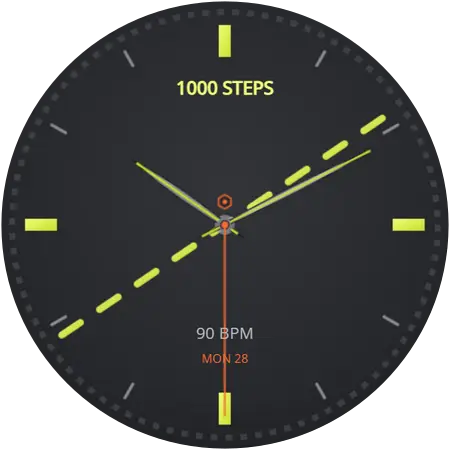
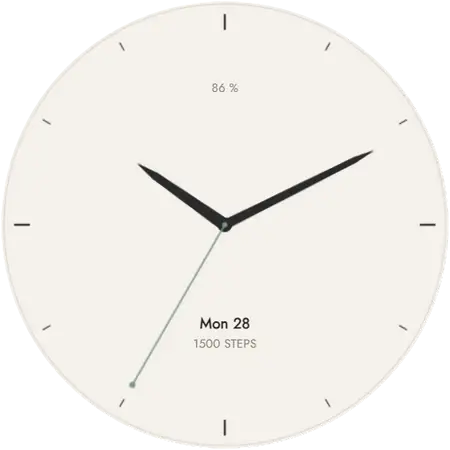
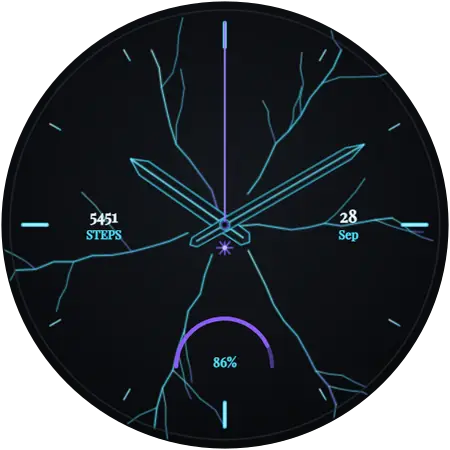
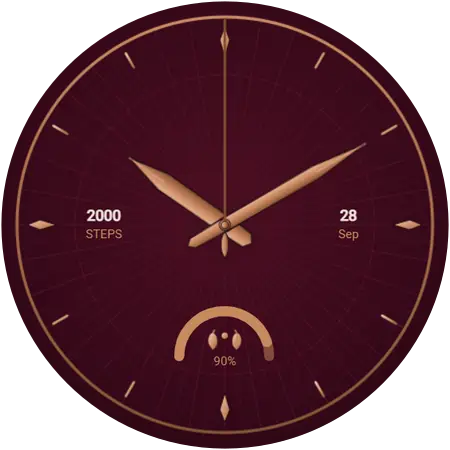
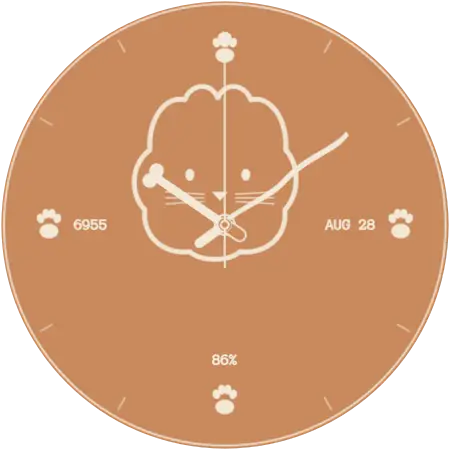
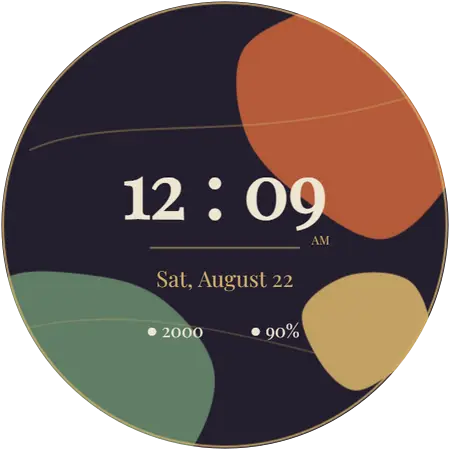
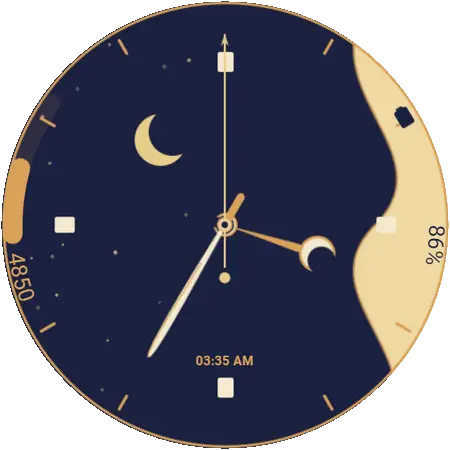
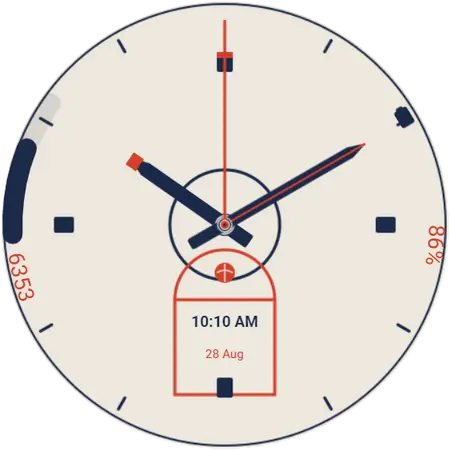
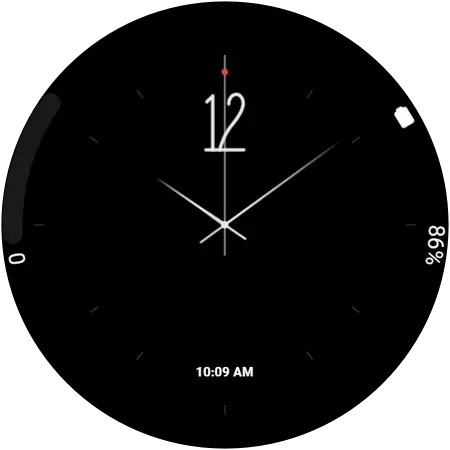
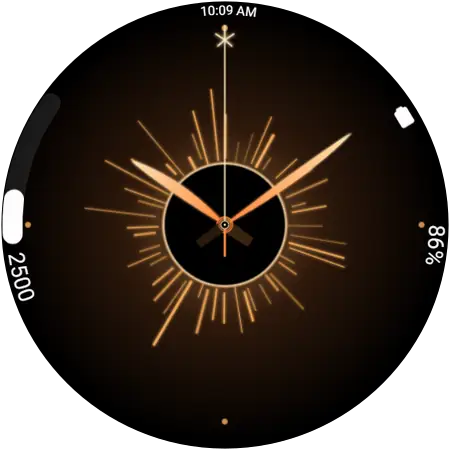
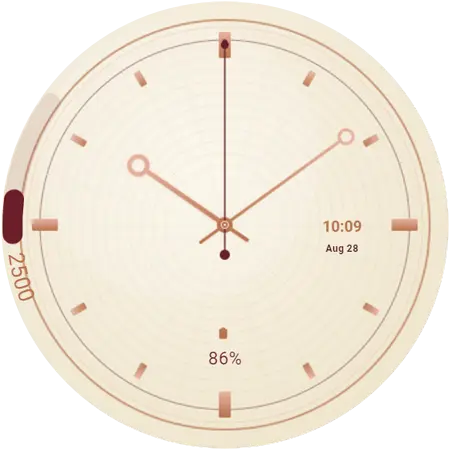
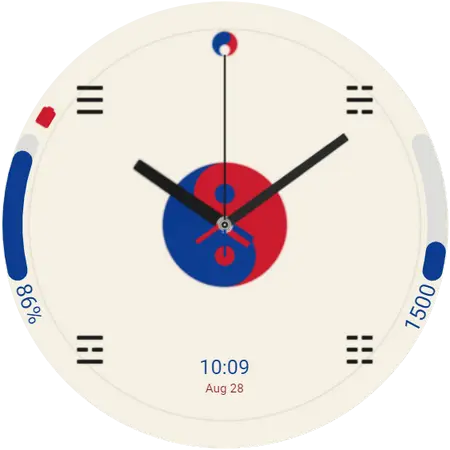
Newest in the catalogue
Added most recently. There are 104 in total across 9 styles, and every one has its own page here.
How it works
Four steps, and the last one happens on the watch by itself. About a minute, start to finish.
- Install the app on your phone
Free on Google Play, and there is nothing to sign up for. It needs the Android phone your Galaxy Watch is already paired with.
- Open it next to your watch
It finds the watch paired with your phone on its own. Keep the two together with Bluetooth on — that connection is how the face travels.
- Tap the face you want
Browse by style, or save favourites for later. The first face you apply asks for a one-time permission, which you accept on the watch.
- It installs over the air
The face transfers wirelessly and switches on by itself. No sideloading, no developer mode, no cable, and the watch stays on your wrist.
Try it on the watch you are wearing
Free, no account, and it tells you within a few seconds whether your watch can take a new face.
Will these work on my Galaxy Watch?
What matters is the software on the watch, not which model it is. These faces install through Watch Face Push, an interface that arrived with Wear OS 6 — the release Samsung ships as One UI 8 Watch. Any Galaxy Watch running that or newer can use them; anything older cannot, however recent the hardware.
In practice that means Galaxy Watch 4 and newer, because the Watch 4 was the first Galaxy Watch built on Wear OS at all. Samsung finished pushing One UI 8 Watch out to every eligible model in December 2025, so no supported watch is still waiting for it — though an individual watch that has never taken the update is still stuck until it does. That update is free, and it comes from the Galaxy Wearable app on your phone.
| Watch software | Wear OS 6 (One UI 8 Watch) or newer — the requirement is the software, not the model |
|---|---|
| Supported watches | Galaxy Watch 4 and newer — Watch 4, 5, 6, 7, 8 and 9, plus Watch FE, Watch Ultra and Watch Ultra 2, including every Classic and Pro variant |
| Already on it | Galaxy Watch 8 shipped with it, Watch 9 and Watch Ultra 2 ship with the newer Wear OS 7, and Samsung finished the rollout to every older eligible watch in December 2025 |
| Not supported | Galaxy Watch 3 and older, and Gear-series watches — these run Tizen, not Wear OS |
| Still on older software? | Update the watch from the Galaxy Wearable app on your phone — One UI 8 Watch is available for it |
| Phone | Android, paired with the watch in the Galaxy Wearable app |
| Price | Free. No account, no sign-up |
Not sure which version you have? On the watch: Settings → About watch → Software information.
Why this catalogue and not another
Made by the developer
We build the app, and the companion app that runs on the watch, so when this site says a face needs Wear OS 6 that is the API our own install path depends on — not a number copied off a spec sheet. More about us.
Nothing to sideload
No APK files to hunt down, no developer mode, no ADB, no cable. Everything goes through Google Play and then over Bluetooth to your watch, which is both simpler and considerably safer than the alternatives.
Straight answers
We would rather tell you on a web page that your watch is too old than have you install something to find out. The FAQ answers the questions that end in "no", too.
Common questions
The rest are on the FAQ page. If yours needs more than a paragraph — installing step by step, a face that will not appear, whether your model qualifies, or what happens when you change watch — the guides cover it.
Are these watch faces free?
Yes. The Galaxy Watch Faces app is free on Google Play and most of the catalogue is free to apply, with no account and no sign-up. A small premium collection needs the app’s optional subscription; those faces are labelled as premium on this site and in the app, so you always know which is which before you tap anything.
Which Galaxy Watch models can use these faces?
Every Wear OS Galaxy Watch — Galaxy Watch 4 and newer, which means the Watch 4, 5, 6, 7, 8 and 9, the Watch FE, and the Watch Ultra and Ultra 2, including the Classic and Pro variants. What actually matters is the software: the watch has to be running Wear OS 6 (One UI 8 Watch) or newer. Samsung finished that rollout to every eligible model in December 2025, so any of these watches can get there with a free update.
Do I need a PC, a cable or a file transfer?
No. You pick a face on your phone and it transfers to the watch over Bluetooth and switches on by itself. There is no APK to sideload, no developer mode to enable, no ADB, and nothing to plug in. The watch stays on your wrist the whole time.
Does it work with an iPhone?
No. The app is Android only, because a Galaxy Watch has to be paired to an Android phone through the Galaxy Wearable app for this to work at all. There is no iPhone version and there is not going to be one.
Do these faces drain the battery?
A dial can make a measurable difference, though less than people expect. On an OLED screen a dark, sparse face lights fewer pixels than a bright, busy one, and animation costs more than a static design — so if battery life matters to you, the minimalist and dark categories are the ones to browse. The install itself changes nothing.
Put a new face on your watch tonight
104 designs, free, applied from your phone in about a minute. If you would rather look first, the whole catalogue is here.