Watch faces for the Galaxy Watch 6
All 104 faces in this catalogue work on the Galaxy Watch 6. Pick one on your phone and it installs on the watch over Bluetooth — no PC, no cable, and the watch stays on your wrist.
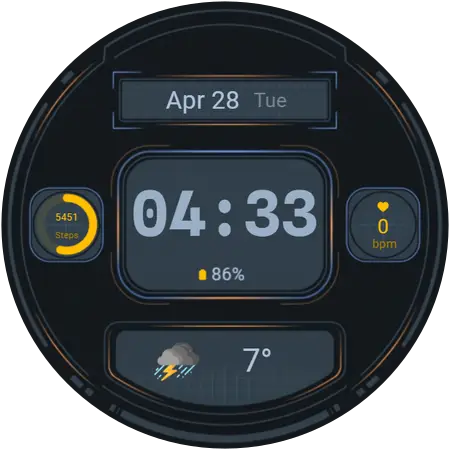
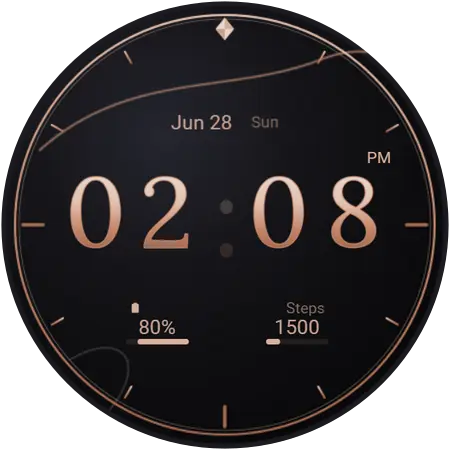
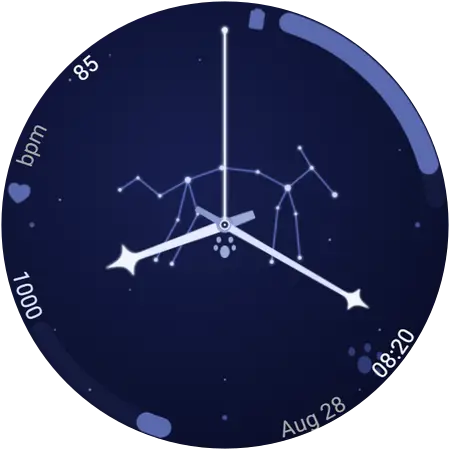
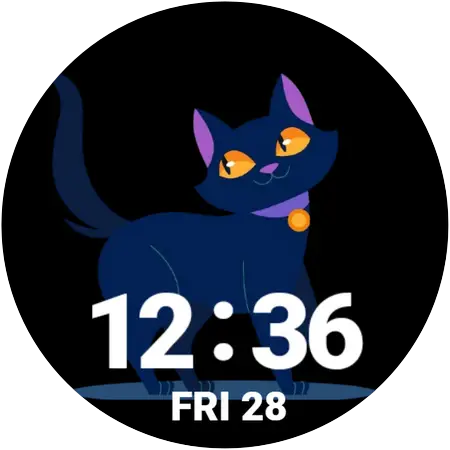
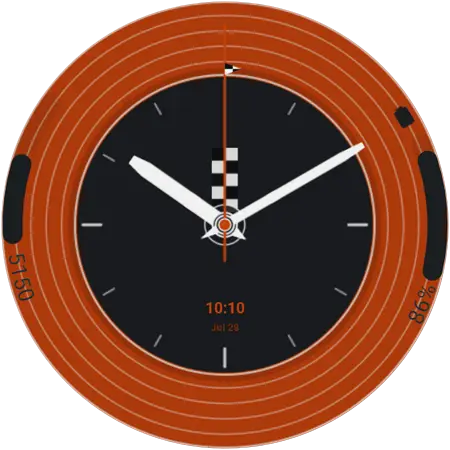
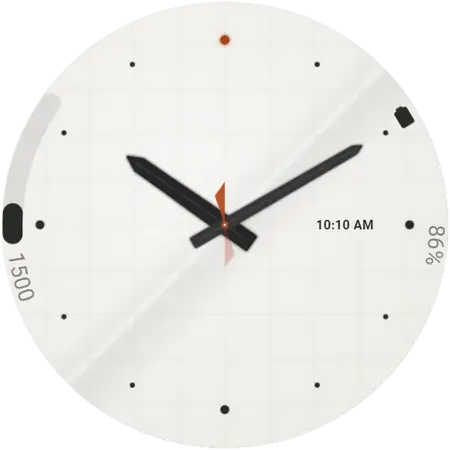
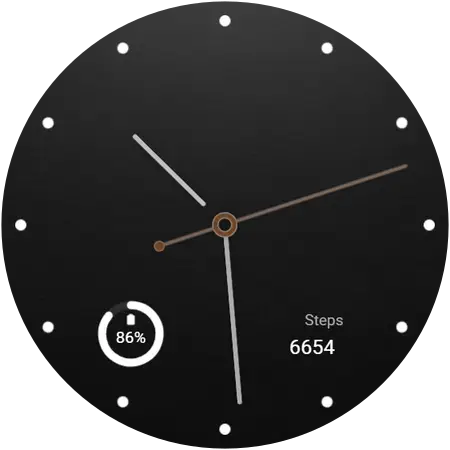
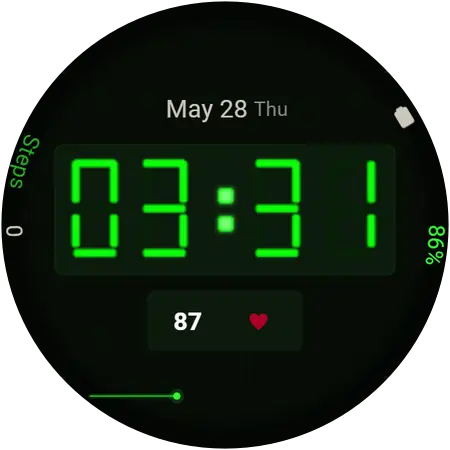
A few of them on the Watch 6
Twelve out of 104. Browse the whole catalogue, or jump to a style below.
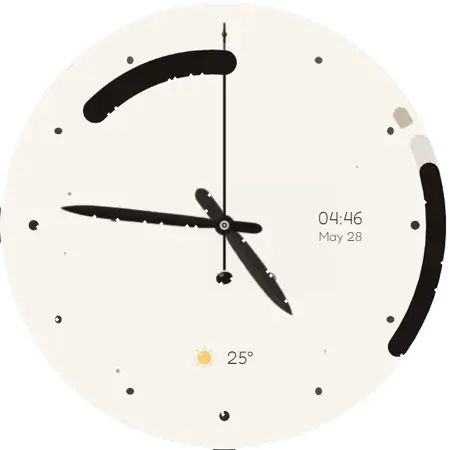
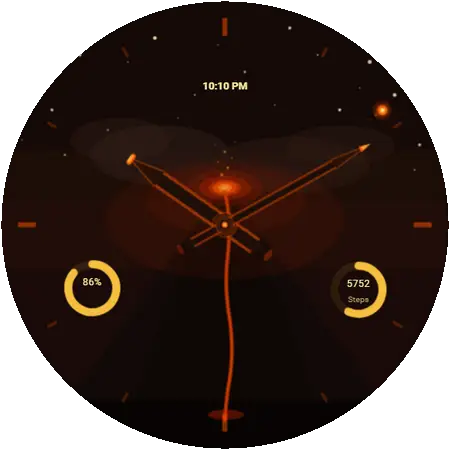
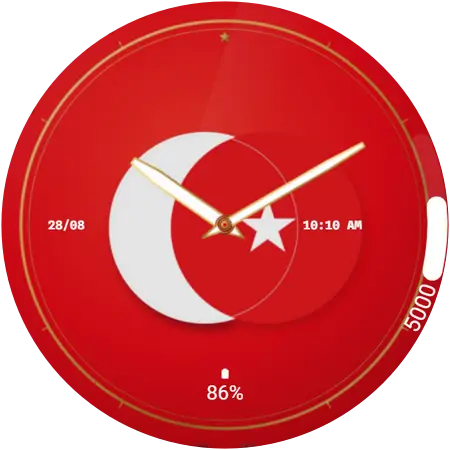
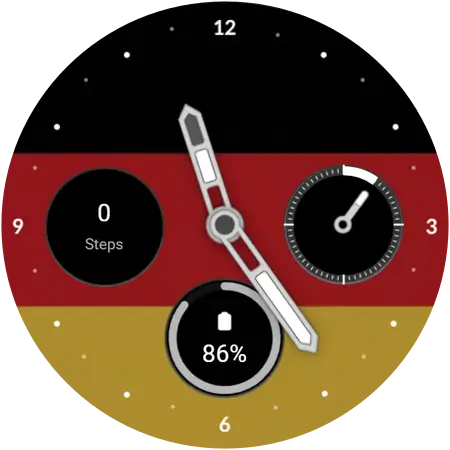
Will these work on my Galaxy Watch 6?
The Galaxy Watch 6 came out in August 2023 with slimmer bezels and a larger screen than the Watch 5, and it brought the rotating bezel back on the Watch 6 Classic after a generation without one.
It launched on One UI 5 Watch and was updated to One UI 8 Watch in November 2025. That update is what makes it capable of installing these faces — a Watch 6 still on older software cannot, and the fix is a free update rather than a new watch.
On the watch: Settings → About watch → Software information.
- Released
- August 2023
- Case sizes
- 40 mm and 44 mm, or 43 mm and 47 mm for the Classic
- Variants
- Galaxy Watch 6, and Galaxy Watch 6 Classic with a rotating bezel
- Software needed
- Wear OS 6 (One UI 8 Watch) or newer
- Faces available
- All 104, across 9 styles
- Price
- Free — no account, no sign-up
How to change the watch face on a Galaxy Watch 6
About a minute, start to finish. The first face you apply asks for a one-time permission on the watch; after that it is a single tap.
- Install Galaxy Watch Faces on your phone
Get the free app from Google Play. There is nothing to sign up for.
- Open it next to your watch
The app finds the Galaxy Watch already paired with your phone. Keep both nearby and Bluetooth on.
- Find a face and tap Apply
Browse or search for a face, open it, and tap Apply. The first time, the watch asks for permission — accept it on the watch.
- The face installs over the air
The face transfers to the watch wirelessly and switches on by itself. No PC, no cable, no file transfer.
Get the app for your Watch 6
By this generation the display had grown enough that minimalist faces stop looking sparse and start looking deliberate — and they are the kindest choice for a battery that is now a few years old.
Galaxy Watch 6 questions
Can the Galaxy Watch 6 use these watch faces?
Yes. It launched on One UI 5 Watch and was updated to One UI 8 Watch in November 2025. That update is what makes it capable of installing these faces — a Watch 6 still on older software cannot, and the fix is a free update rather than a new watch.
What software does the Galaxy Watch 6 need?
Wear OS 6 or newer, which Samsung ships as One UI 8 Watch. On the watch: Settings → About watch → Software information. If the Watch 6 is on something older, update it from the Galaxy Wearable app on your phone: Watch settings, then Watch software update. The update is free.
How do I put a new face on my Galaxy Watch 6?
Install the free Galaxy Watch Faces app on the Android phone your Watch 6 is paired with, open it next to the watch, and tap the face you want. It transfers over Bluetooth and switches on by itself — no PC, no cable, and the watch never leaves your wrist.
Are the faces for the Galaxy Watch 6 free?
Most of them, yes — free, with no account and no sign-up. A small premium collection needs the app’s optional subscription, and those faces are labelled premium everywhere they appear.
More of these on the frequently asked questions page.