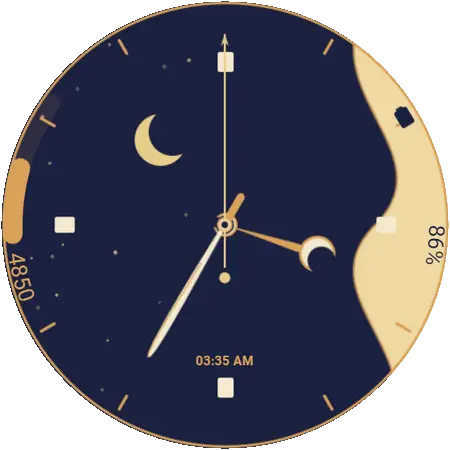
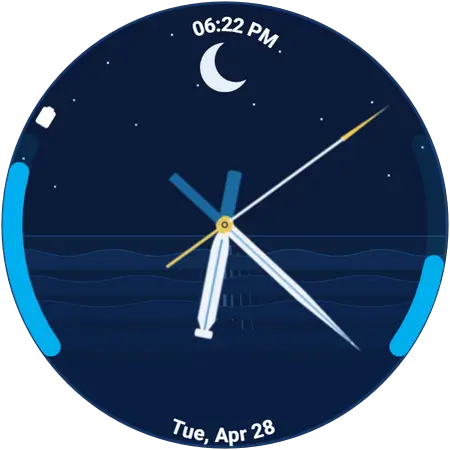
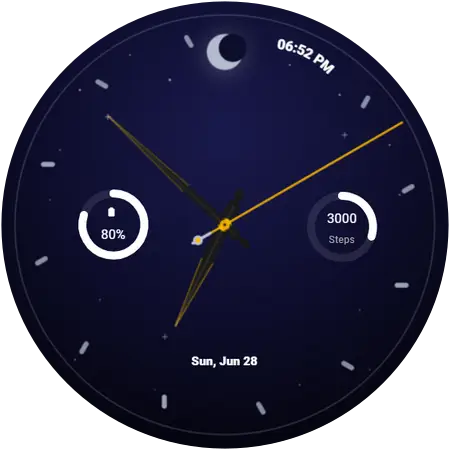
Day & Night watch face
Ocean Horizon 2 — day-and-night watch face for Galaxy Watch
Perfecting the Sea-to-Sky Transition. Refined day and night phases, flawless power-saving AOD, and deeper wave patterns. Experience a dynamic view, now perfected
- Free — no account, no sign-up
- Applies over Bluetooth, no PC or cable
- Needs Wear OS 6 or newer on the watch
More views of Ocean Horizon 2
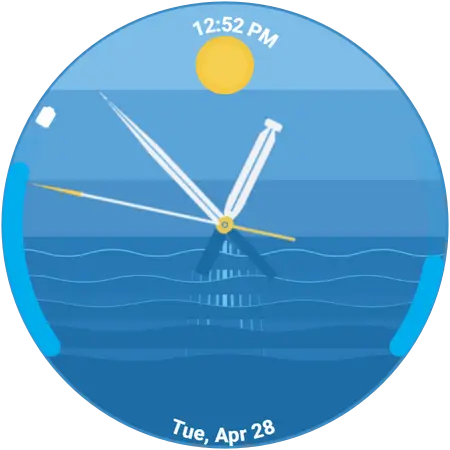
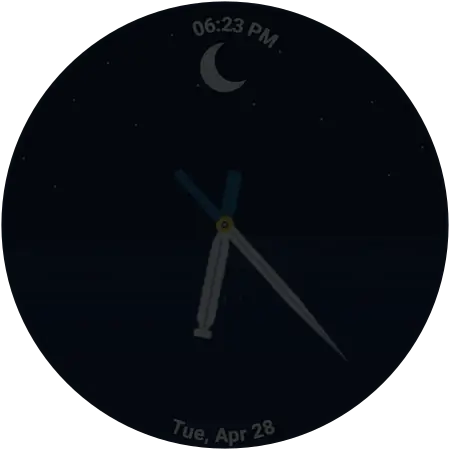
Will Ocean Horizon 2 work on my Galaxy Watch?
What matters is the software on the watch, not which model it is. These faces install through Watch Face Push, which arrived with Wear OS 6 — so any Galaxy Watch running Wear OS 6 or newer can use Ocean Horizon 2, and one running anything older cannot, however new the hardware is.
| Watch software | Wear OS 6 (One UI 8 Watch) or newer — the requirement is the software, not the model |
|---|---|
| Supported watches | Galaxy Watch 4 and newer — Watch 4, 5, 6, 7, 8 and 9, plus Watch FE, Watch Ultra and Watch Ultra 2, including every Classic and Pro variant |
| Already on it | Galaxy Watch 8 shipped with it, Watch 9 and Watch Ultra 2 ship with the newer Wear OS 7, and Samsung finished the rollout to every older eligible watch in December 2025 |
| Not supported | Galaxy Watch 3 and older, and Gear-series watches — these run Tizen, not Wear OS |
| Still on older software? | Update the watch from the Galaxy Wearable app on your phone — One UI 8 Watch is available for it |
| Phone | Android, paired with the watch in the Galaxy Wearable app |
| Price | Free. No account, no sign-up |
Not sure which version you have? On the watch: Settings → About watch → Software information.
How to install Ocean Horizon 2 on your Galaxy Watch
About a minute, start to finish, and the watch stays on your wrist the whole time.
- Install Galaxy Watch Faces on your phone
Get the free app from Google Play. There is nothing to sign up for.
- Open it next to your watch
The app finds the Galaxy Watch already paired with your phone. Keep both nearby and Bluetooth on.
- Find Ocean Horizon 2 and tap Apply
Browse or search for Ocean Horizon 2, open it, and tap Apply. The first time, the watch asks for permission — accept it on the watch.
- The face installs over the air
The face transfers to the watch wirelessly and switches on by itself. No PC, no cable, no file transfer.
Get Ocean Horizon 2
It is in the free Galaxy Watch Faces app, alongside the rest of the day-and-night collection.
More day-and-night watch faces
From the same collection — see all 12 day & night faces.
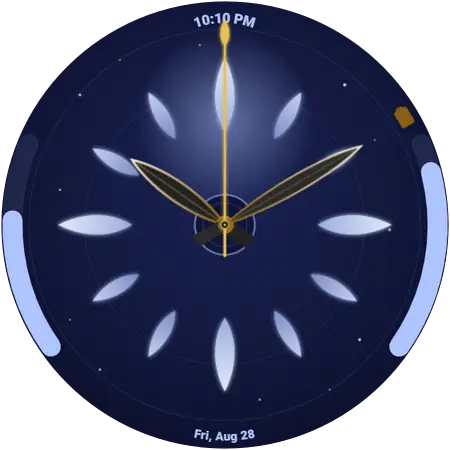
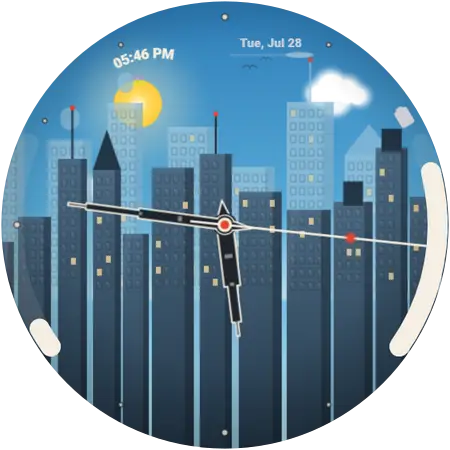
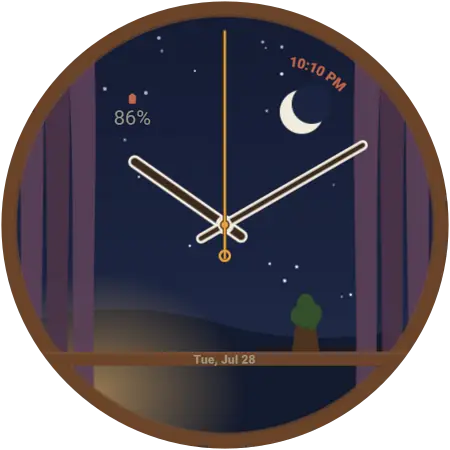
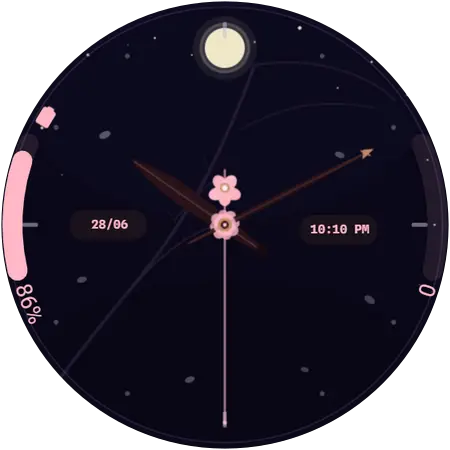
Browse the whole catalogue · added 2026-04-23